Utility components
Accordion, Switch and Video
How to use the Accordion, Switch and Video utility components in the Frames For Figma UI kit.
Three smaller utility components, each on its own page under 📕 Utility components. Like every utility page, each has a playground: click the component there and try its options in the Design panel.
Accordion
Section titled “Accordion”An accordion row expands and collapses a piece of content, for example the answer to a question. The FAQ templates are built from it.
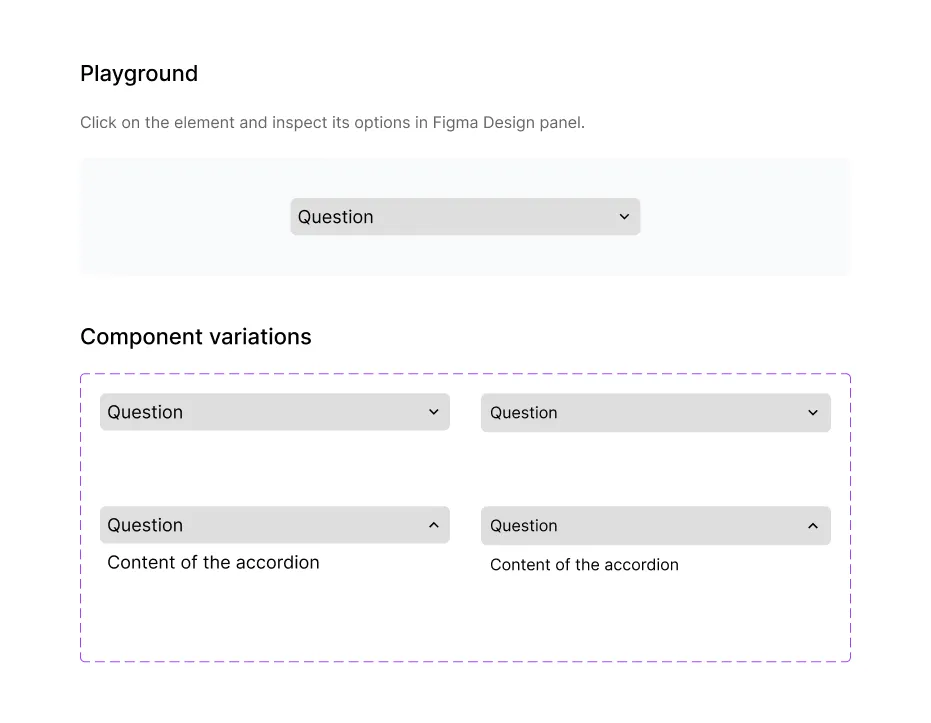
| Property | Options | What it does |
|---|---|---|
| State | Closed, Open | Open shows the content under the question. |
| Device | Desktop, Mobile | Desktop or Mobile text sizes. |
| Label | Text | The question or title. |
| Content | Text | The text shown when the row is open. |
| Accordion icon | Icon | Swap the arrow for another icon. |
To show an FAQ where one question is open, place several accordions in an auto layout frame and set State to Open on one of them.
Switch
Section titled “Switch”A switch lets a visitor pick one of two options, such as monthly and yearly prices. The pricing templates use it.
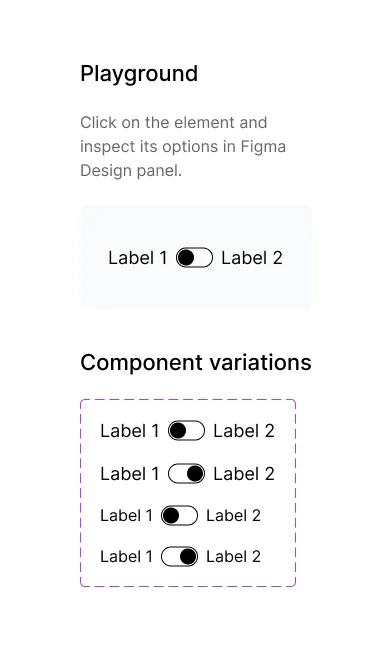
| Property | Options | What it does |
|---|---|---|
| State | Default, Active | Which side is selected. |
| Device | Desktop, Mobile | Desktop or Mobile text sizes. |
| Left label, Right label | On/off, text | Show or hide each label and edit its text. |
For an on/off setting in a form, use the Toggle form component instead.
The Video page has a video player placeholder and the parts it’s made of.
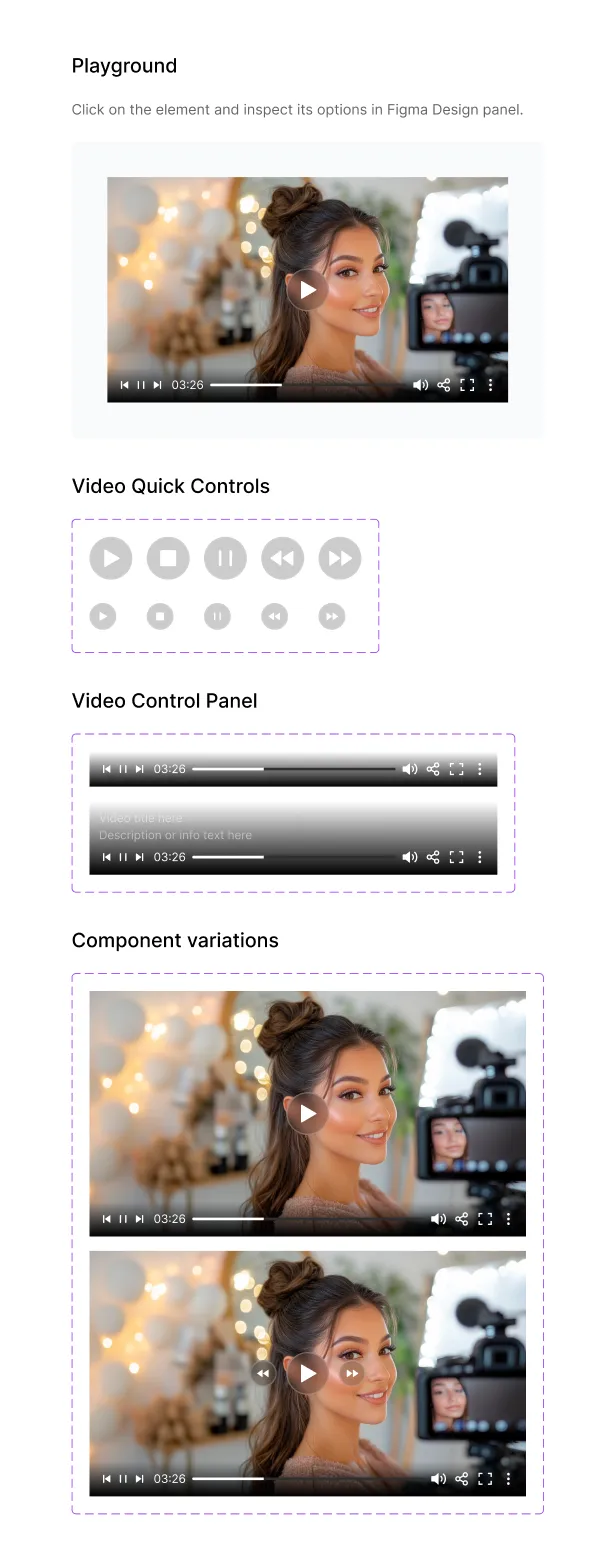
| Component | What it is | Properties |
|---|---|---|
| Video Component | A video with a play button and a control bar | State: Default, Hover (adds rewind and forward buttons) |
| Video Controls | The control bar | Type: Expanded (with a title and description) or Minimalistic |
| Video Quick Controls | Round play, pause, stop, rewind and forward buttons | Type and Size (Big, Small) |
The player sits on an Aspect Ratio component set to 16:9. To show your own video still, select the BG Image layer inside it and replace its image fill.