Utility components
Project Notes
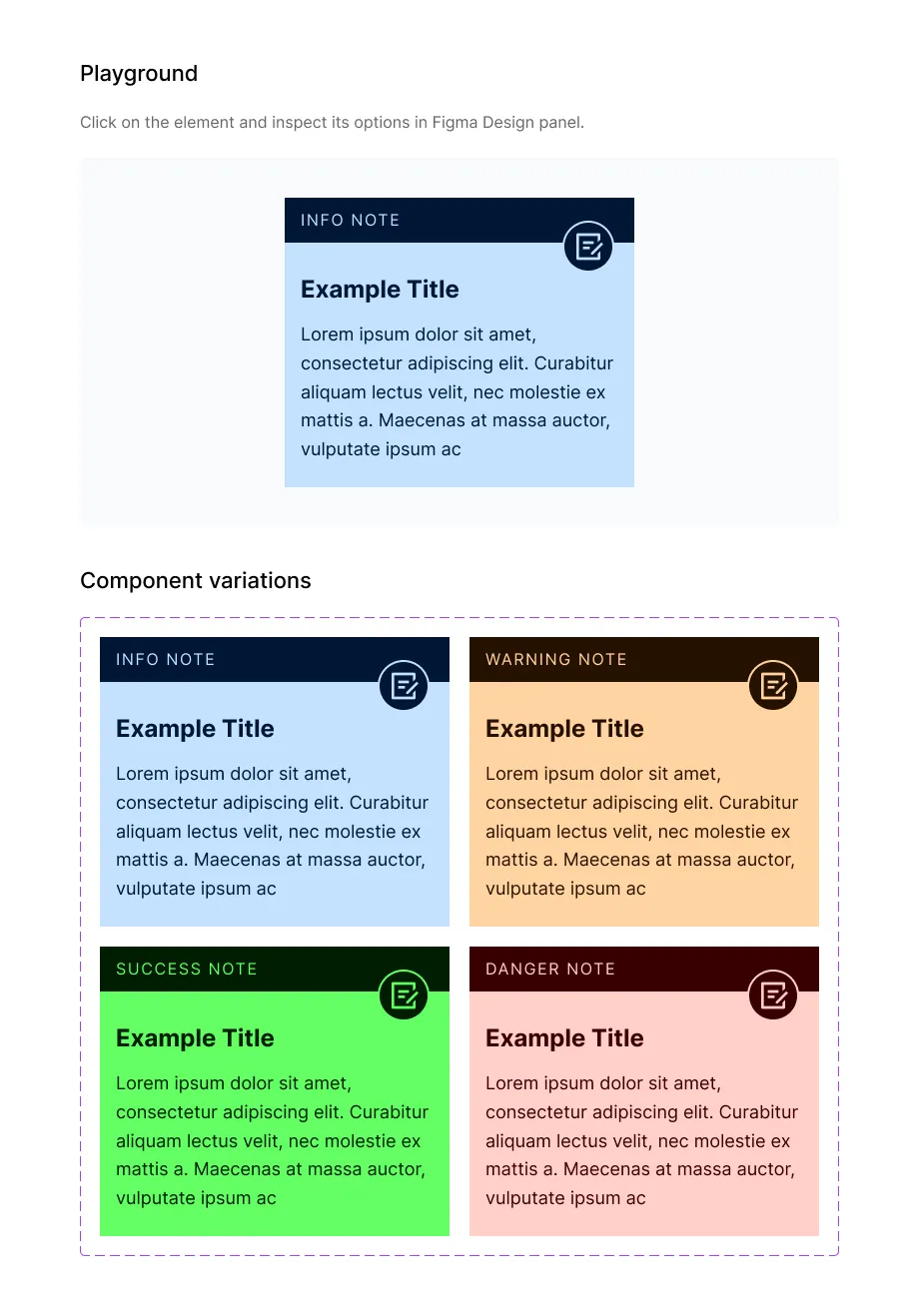
Leave notes for clients, developers and yourself on your Figma artboards with the Frames For Figma Project Note component, in Info, Warning, Success and Danger styles.
The Project note component (on 📕 Utility components → ↳ Project Notes) is a sticky note for your designs. Place one next to an artboard to explain a decision, flag an open question or leave instructions for a developer. Notes are for your Figma file only, not for the finished website.
Properties
Section titled “Properties”| Property | Options | What it does |
|---|---|---|
| Type | Info, Warning, Success, Danger | The color and label of the note. |
| Title | Text | The note’s heading. |
| Content | Text | The note’s text. |
| Icon | Icon | Swap the icon in the corner. |
When to use each type
Section titled “When to use each type”| Type | Use it for |
|---|---|
| Info | Explanations: how a section should behave, where content comes from |
| Warning | Open questions and things to check before building |
| Success | Approved parts of the design |
| Danger | Problems that must be fixed, or things not to build |
Good to know
Section titled “Good to know”- The colors come from the semantic color families (Info, Warning, Success and Danger) in your Color Palette.
- Notes stay in the file when you hand off. Developers see them in Dev Mode next to the design.
- For short comments in a conversation, Figma’s own comments may be quicker. Use notes for things that should stay visible on the canvas.